
Inspect • Test • Analyze
A Terminal-Based Web Inspection & Security Testing Lab - 2026



Web Analyzer is a modern, terminal-based web inspection & security testing lab built using Python and Textual.
It is crafted for ethical hackers, cybersecurity learners, web testers, and developers looking to explore HTTP internals.
Features a clean TUI for:
- Crafting HTTP requests
- Analyzing server responses
- Generating and testing payloads
- Vulnerability assessment
- Fully interactive Textual TUI with keyboard shortcuts
- HTTP Request Inspector with full method support
- Advanced Payload Generator & Vulnerability Scanner
- Encoder / Decoder utilities (Base64/32/16, URL, HTML Entities, JWT)
- Session, cookie & request history management
- Predefined request templates for JSON, GraphQL, API keys, file uploads
- Clean dark-theme hacker-style interface
- Methods:
GET,POST,PUT,DELETE,PATCH,HEAD,OPTIONS - Custom headers, cookies, parameters & body
- Proxy support: HTTP / HTTPS / SOCKS4 / SOCKS5
- SSL verification toggle & timeout control
- Base64 / Base32 / Base16 (Hex)
- URL Encode / Decode
- HTML Entities
- JWT inspection
- SQL Injection, XSS, Command Injection, Directory Traversal, SSRF, XXE
- Template Injection, NoSQL, LDAP, XPath Injection
- Custom payload creation, preview, & save
- Detect SQLi, XSS, Directory Traversal, Command Injection
- CSRF token checks, missing security headers
- Exportable JSON reports with severity & affected parameters
- Auto-detect login forms
- Discover username & password fields
- Hidden input extraction
- Ready-to-submit requests
| Shortcut | Action |
|---|---|
Ctrl + Q |
Quit |
Esc |
Close modal |
Tab |
Switch focus |
Enter |
Confirm |
Ctrl + M |
Select HTTP method |
Ctrl + E |
Encoder / Decoder |
Ctrl + G |
Payload Generator |
Ctrl + V |
Vulnerability Scanner |
Ctrl + T |
Request Templates |
Ctrl + W |
Session Manager |
Ctrl + O |
Import response headers |
Ctrl + N |
Resend with edited headers |
Web-Analyzer/
│
├── payloads_save/
│   └── payloads_<timestamp>.txt
├── vulnerability_scan_result/
│   └── vulnerability_scan_<timestamp>.json
├── request_history/
│   └── request_history_<timestamp>.json
├── Web_Analyzer_/
│   └── Web_Analyzer_style.css
├── MORE/
└── README.md
- Python 3.12.12
- Termux / Linux / macOS
pip install aiohttp textual beautifulsoup4apt update && apt upgrade
pkg install python -y
pkg install python3 -y
pkg install git -y
git clone https://github.com/TEAMBCS/Web-Analyzer.git
cd Web-Analyzer
chmod +x *
chmod 777 *
chmod +w .
pip install -r web-analyzer.txt
python3 web_analyzer.pyor
bash start.sh
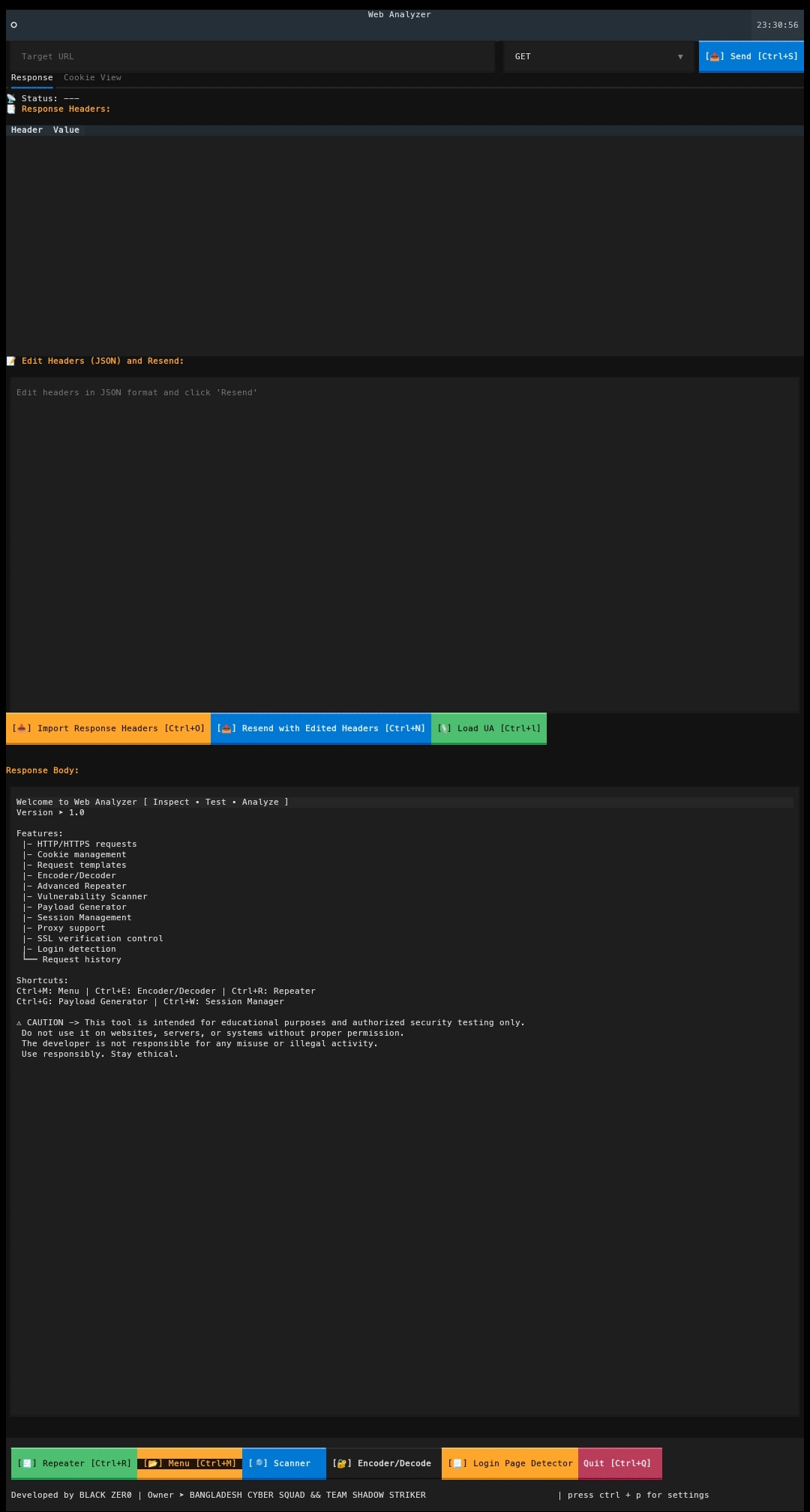
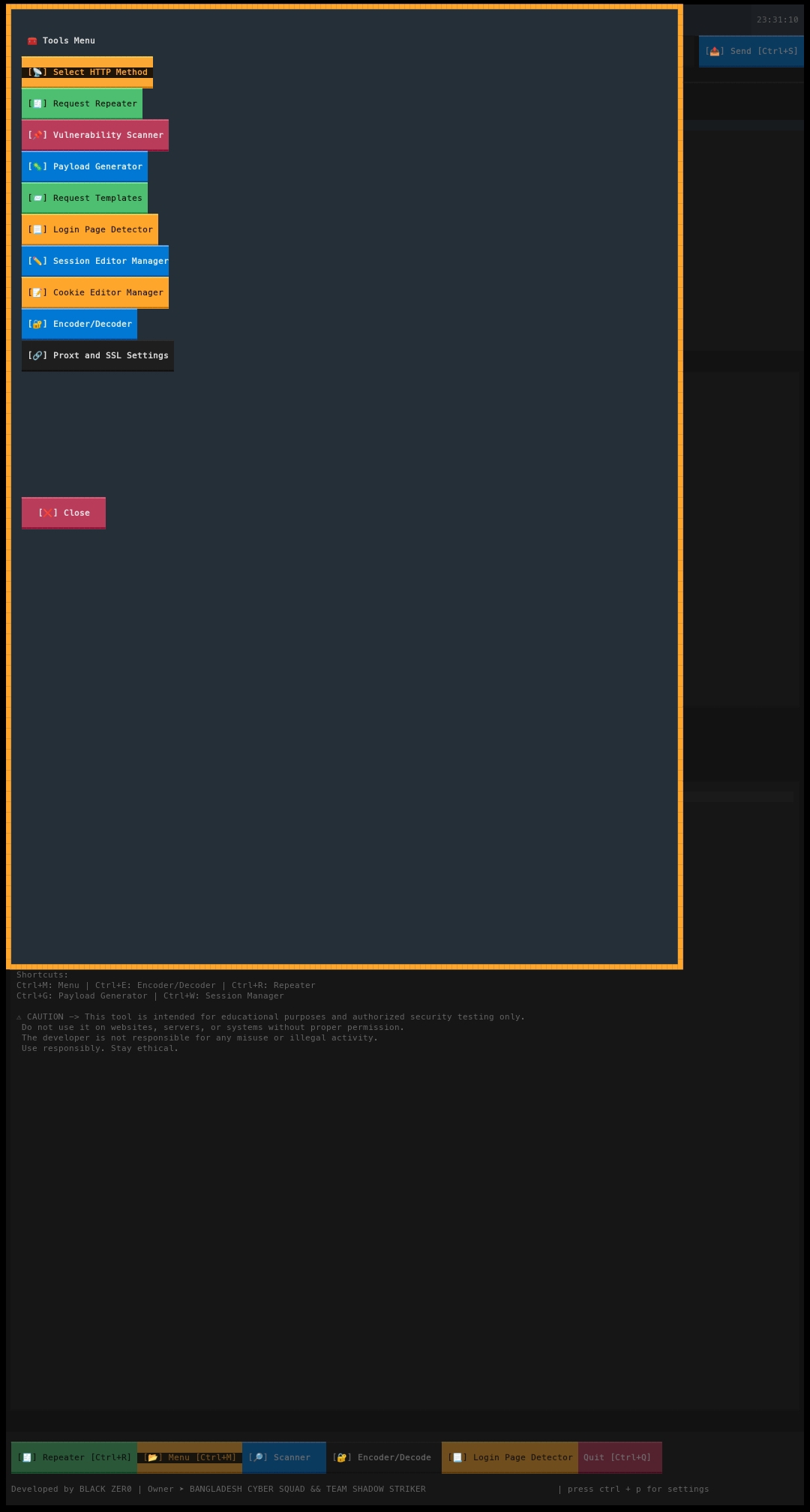
Edit CSS Code as your wish.
If you found textual library install problem in kali linux machines or debian machines
- use
pip install textual --break-system-packages --ignore-installed pygments
For authorized testing and educational purposes only.
- Do not test without explicit permission
- Misuse may be illegal
- Author takes no responsibility for improper use
- Developer :BLACK ZERO
- GitHub: BLACK-ZER-0
- Tool Owner : BANGLADESH CYBER SQUAD & TEAM SHADOW STRIKER
- ⭐ Star this repository
- 🔗 Share with learners
- 🛠 Contribute improvements or bug fixes