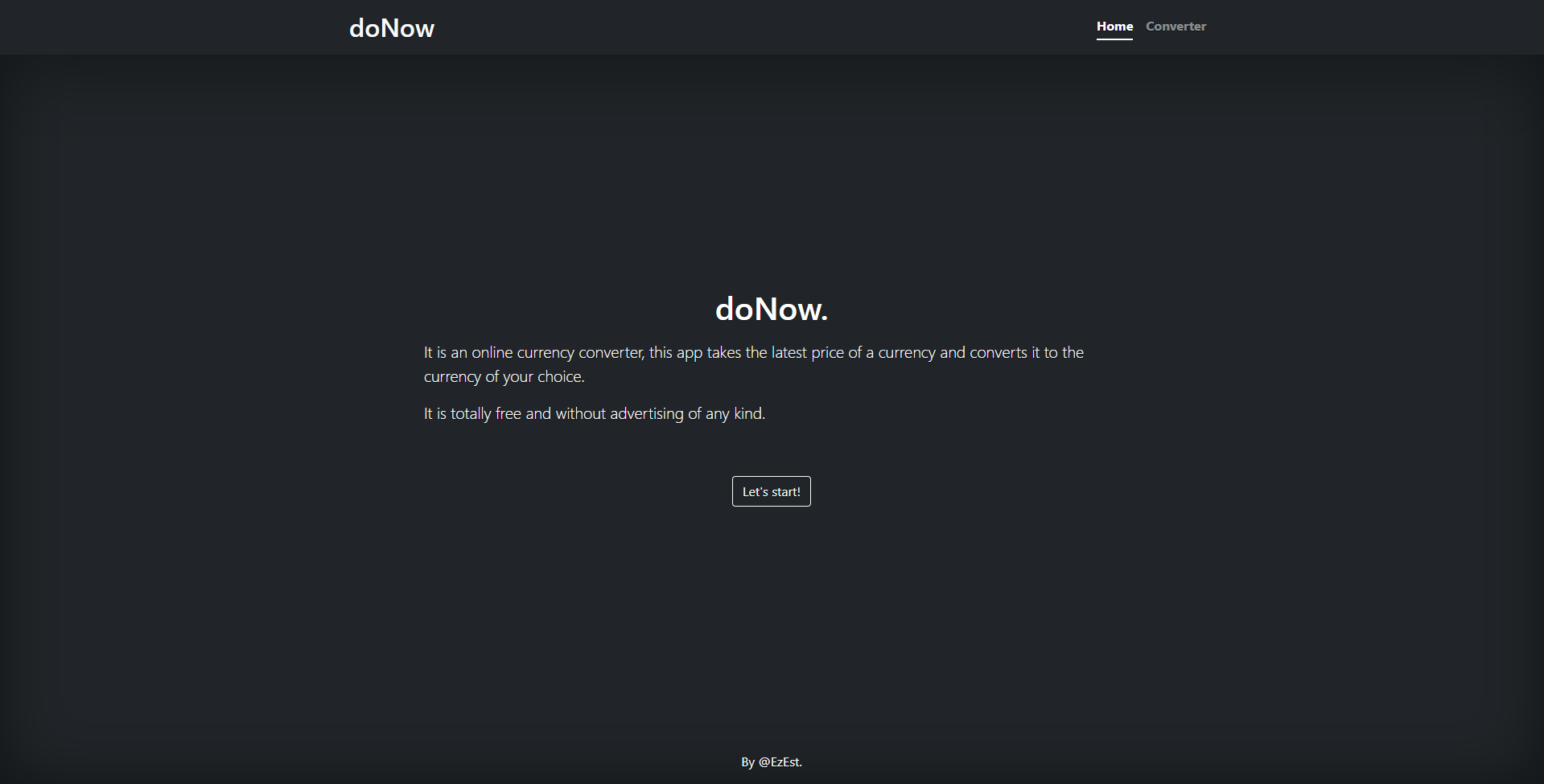
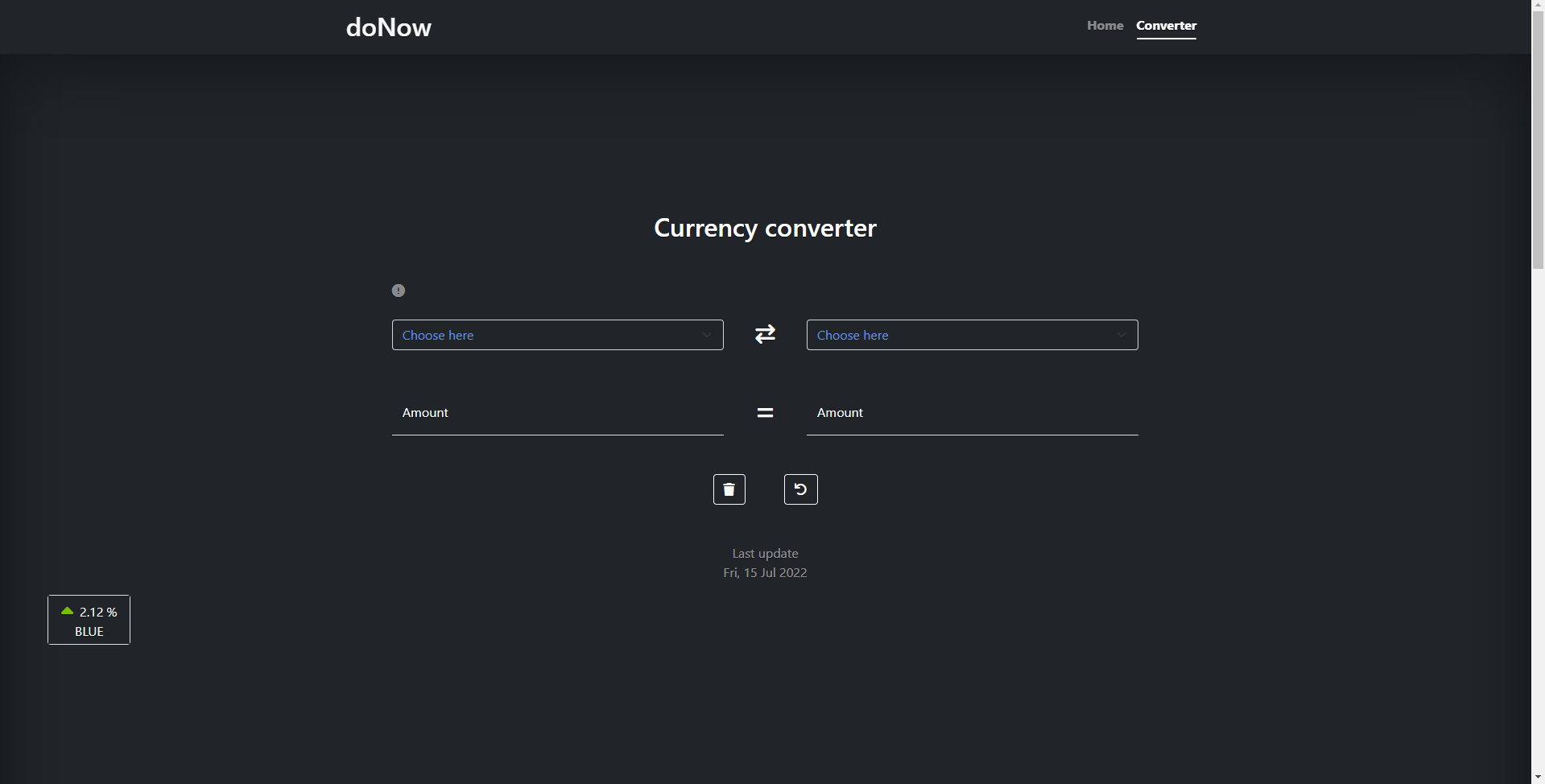
This is a currency converter app that allows you to convert between different currencies. It retrieves currency exchange rates from various APIs and provides a user interface to perform conversions.
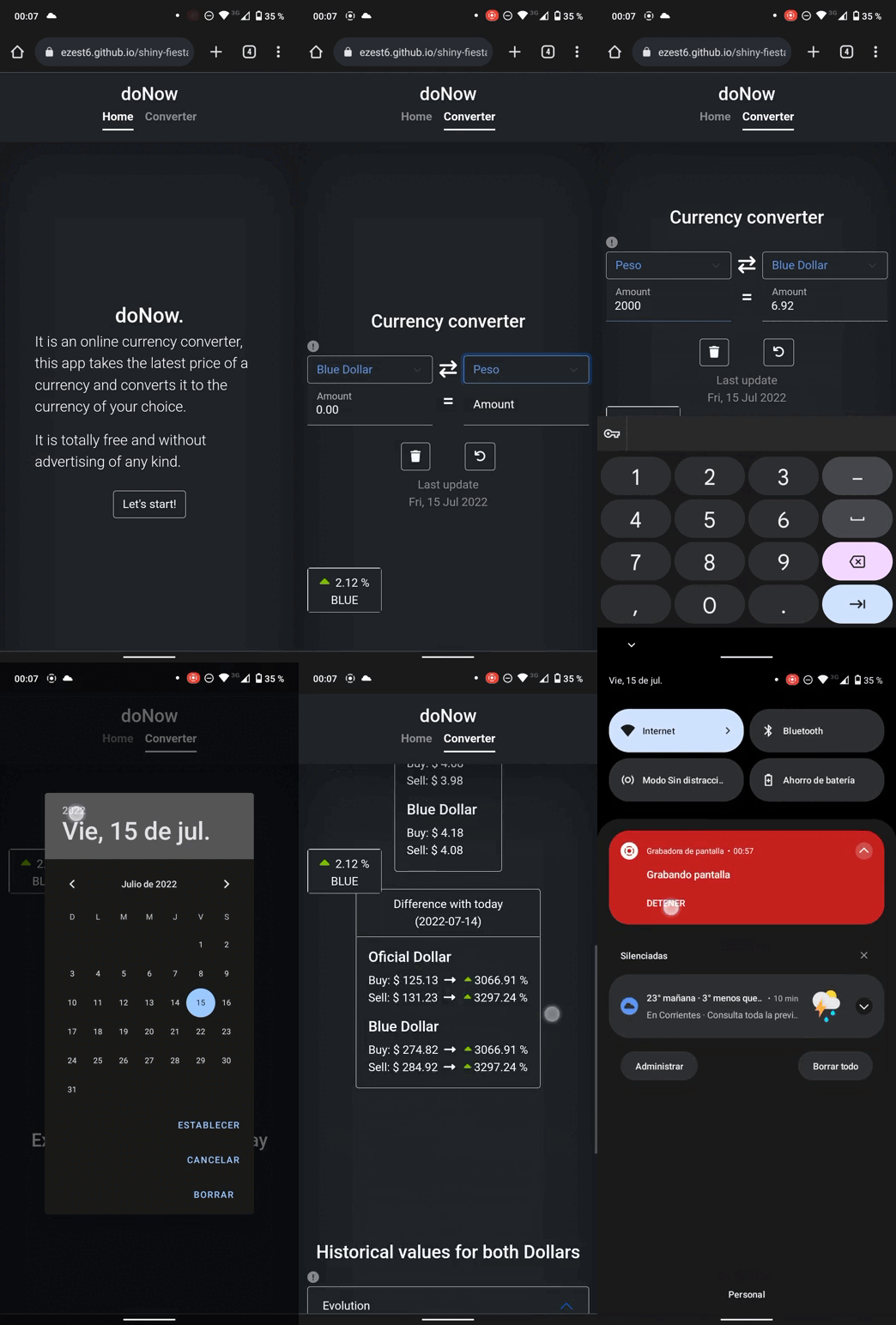
- Convert between different currencies using real-time exchange rates.
- Supports conversion between the following currencies: Argentine Peso (ARS), US Dollar (USD), Euro (EUR), and Brazilian Real (BRL).
- Displays the latest exchange rates for the official and blue market (unofficial) dollar.
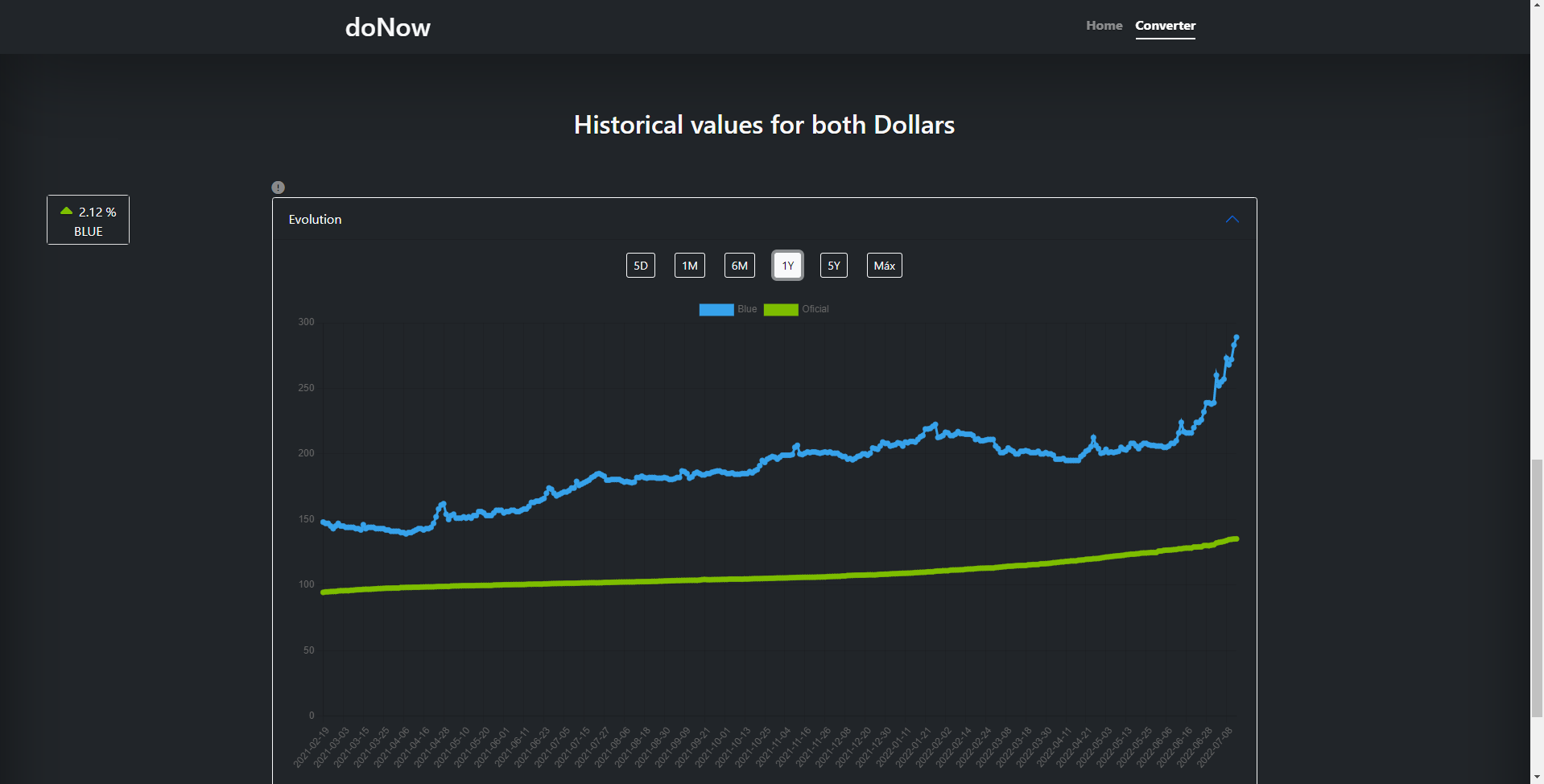
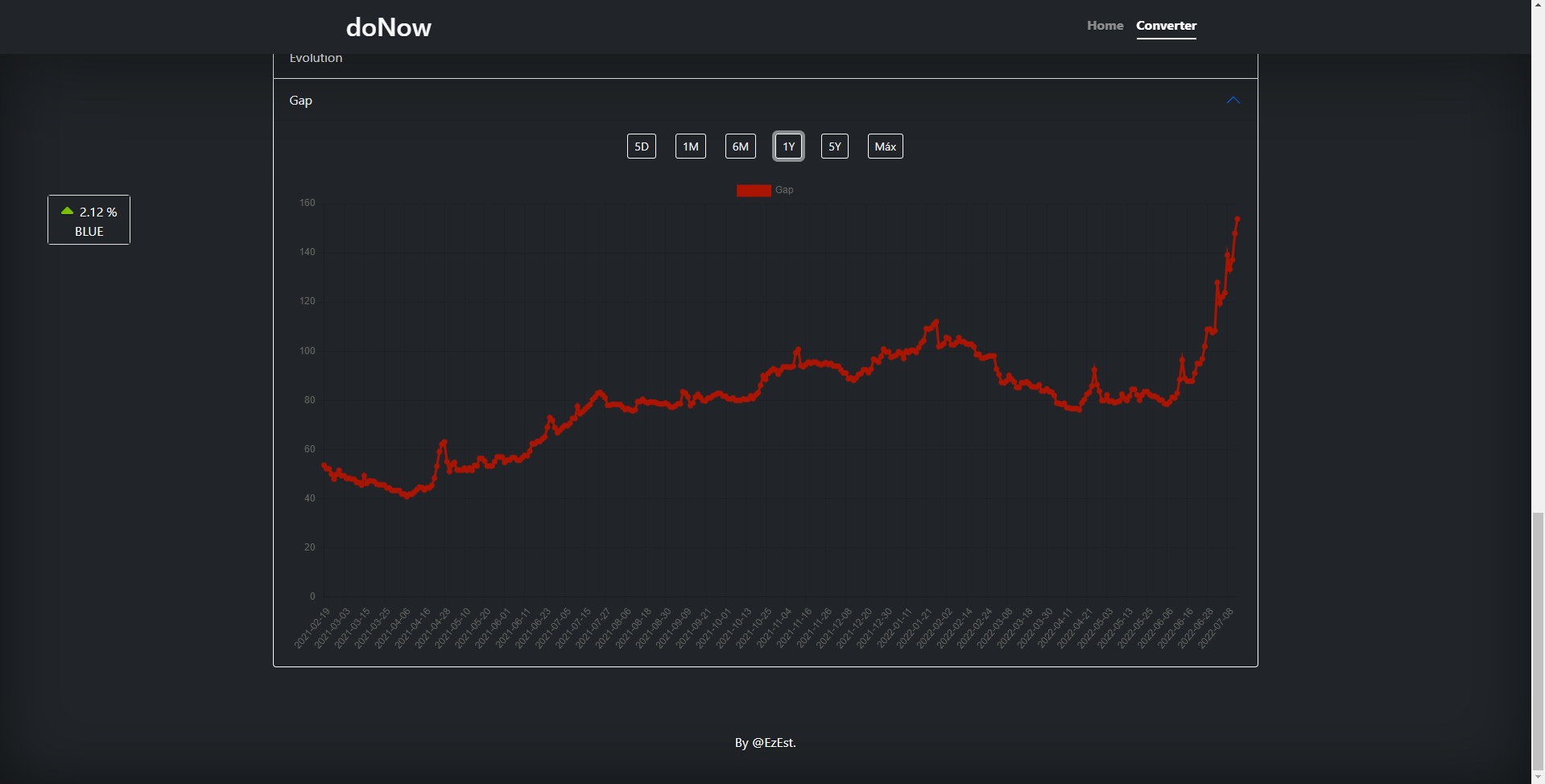
- Provides a historical chart of exchange rate evolution for the official and blue market dollar.
- Allows selection of different time intervals for the chart (max, 5 years, 1 year, 6 months, 1 month, 5 days).
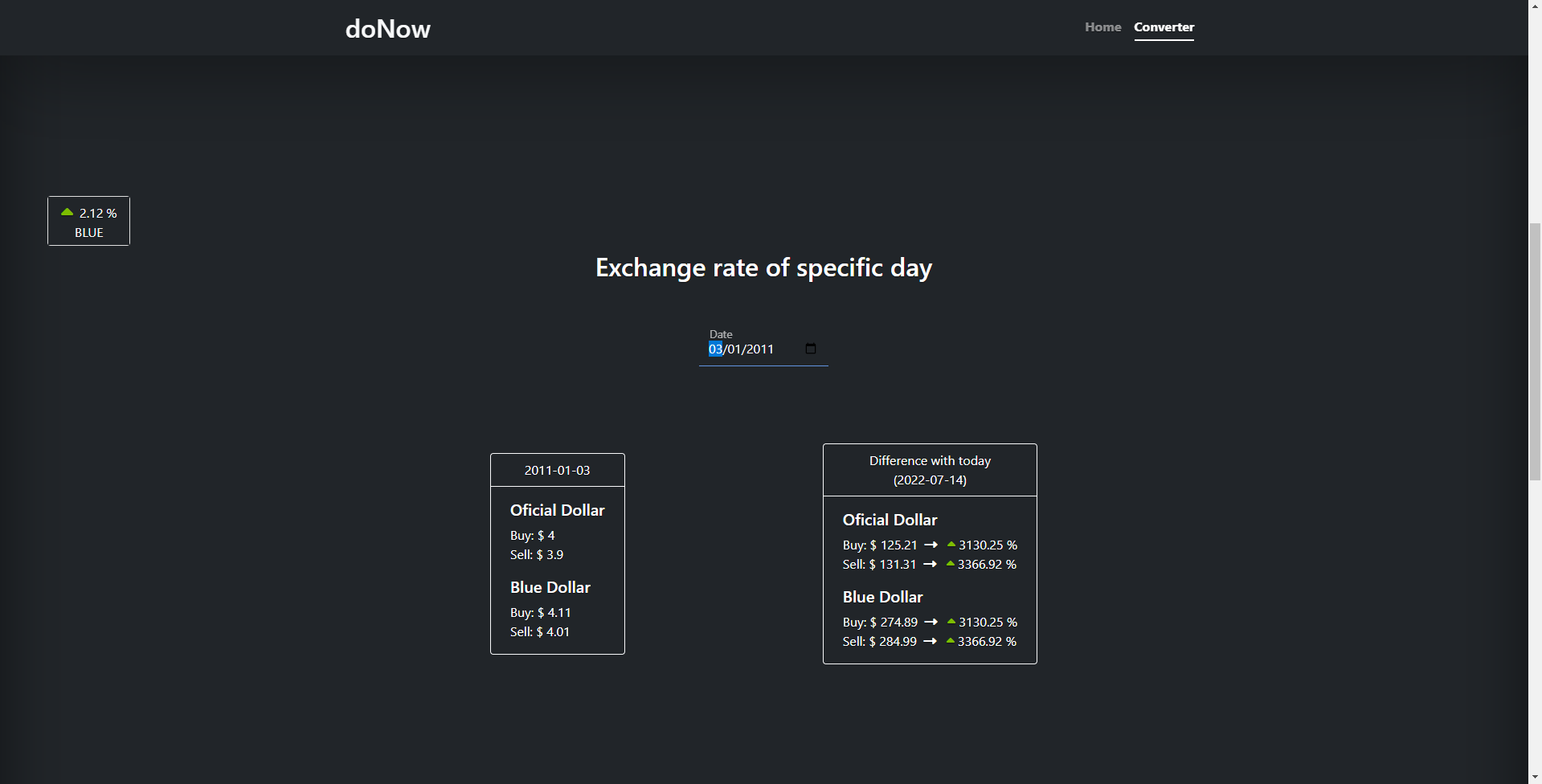
- Displays the difference between today's exchange rates and the selected historical date.
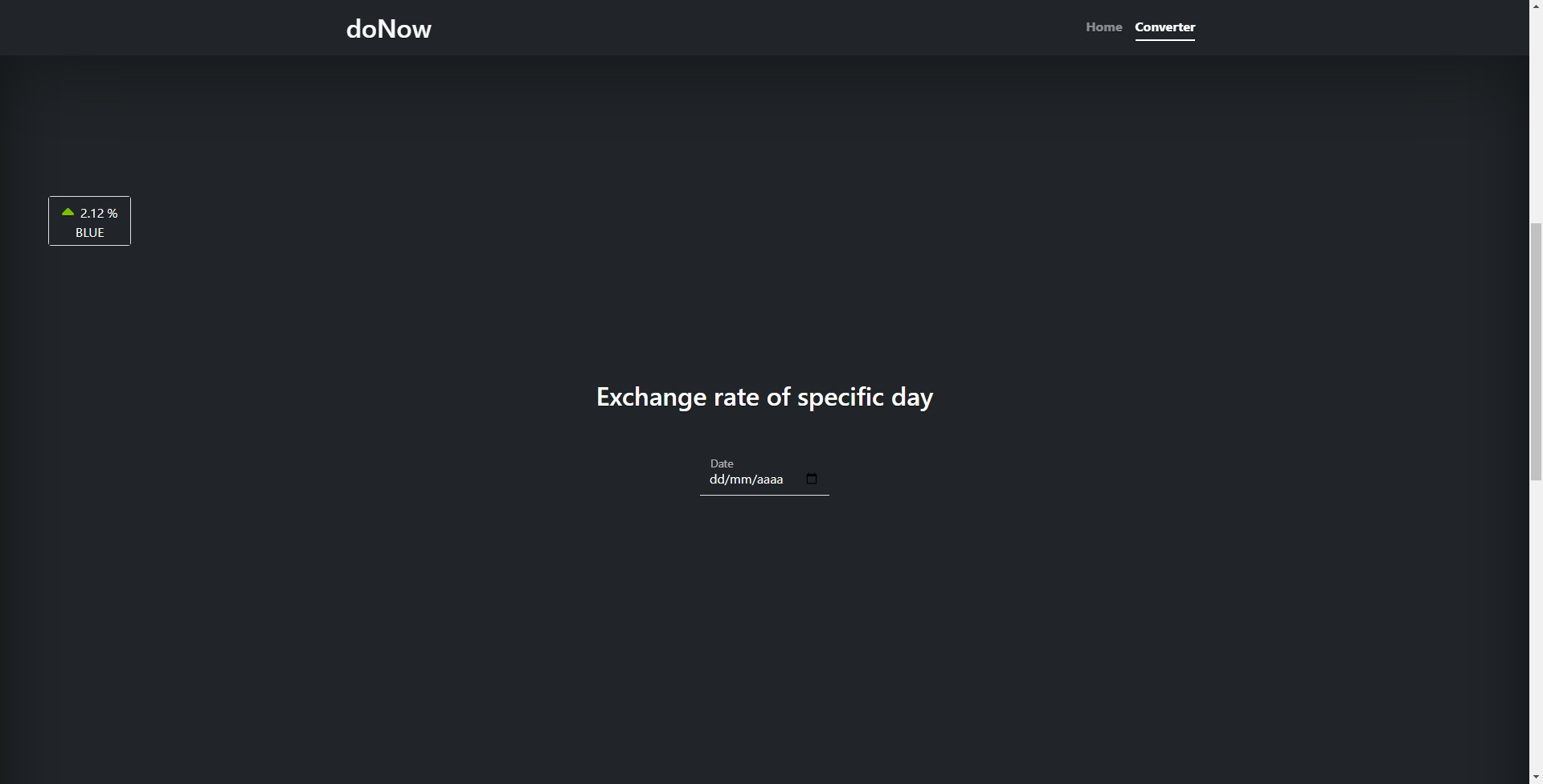
- Provides the ability to query exchange rates for specific dates.
- Shows the percentage change in exchange rates compared to the selected historical date.
- Includes a rotating animation on the refresh button.
- Allows clearing the input fields with a clean button.
- Clone the repository or download the source code.
- Open the index.html file in a web browser.
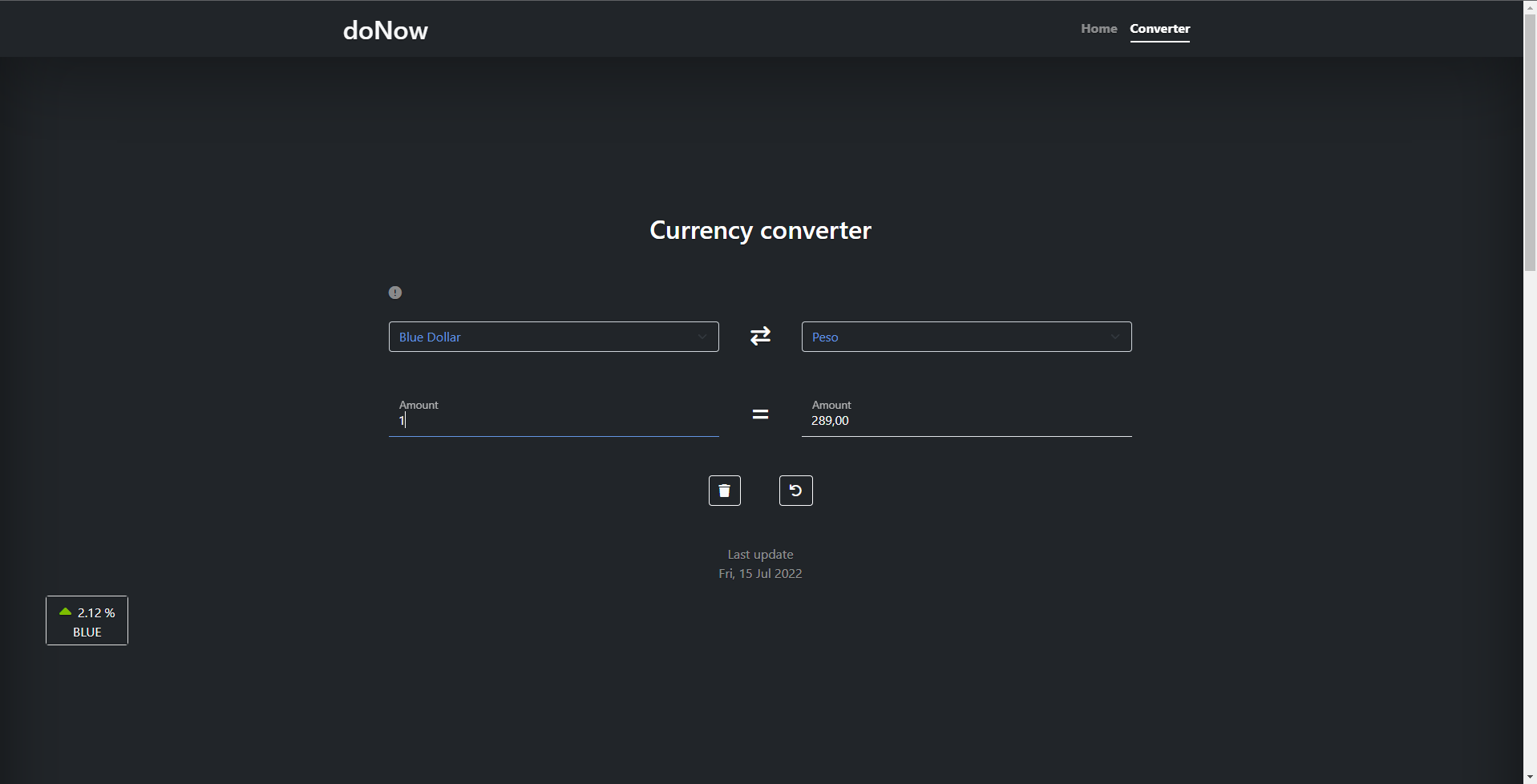
- Select the currencies you want to convert from and to using the dropdown menus.
- Enter the amount you want to convert in the input field.
- The converted amount will be displayed in the corresponding output field.
- You can switch the conversion direction by clicking the arrow button.
- To view the last conversion made, click the "Last Conversion" button.
- To view the historical exchange rate chart, click the buttons corresponding to different time intervals.
- You can query exchange rates for specific dates by selecting a date from the dropdown menu.
- The difference in exchange rates between today and the selected historical date will be displayed.
- The percentage change in exchange rates will be shown, indicating if it has increased or decreased.
Note: The app retrieves real-time data from external APIs, so an internet connection is required.
The app uses the following APIs:
https://v6.exchangerate-api.com: Retrieves exchange rate data for different currencies.https://api.bluelytics.com.ar: Fetches historical exchange rate data and the latest values for the official and blue market dollar.
This app was developed by ZekeScript. It uses the following libraries and technologies:
- JavaScript
- HTML
- CSS
- Chart.js (https://www.chartjs.org/)
- Toastify (https://apvarun.github.io/toastify-js/)
This project is licensed under the MIT License.